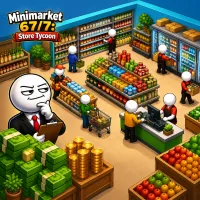
Assume the role of a modest convenience shop owner with a singular objective in Minimarket 67/7: Store Tycoon. Turn the store into a reliable moneymaker.
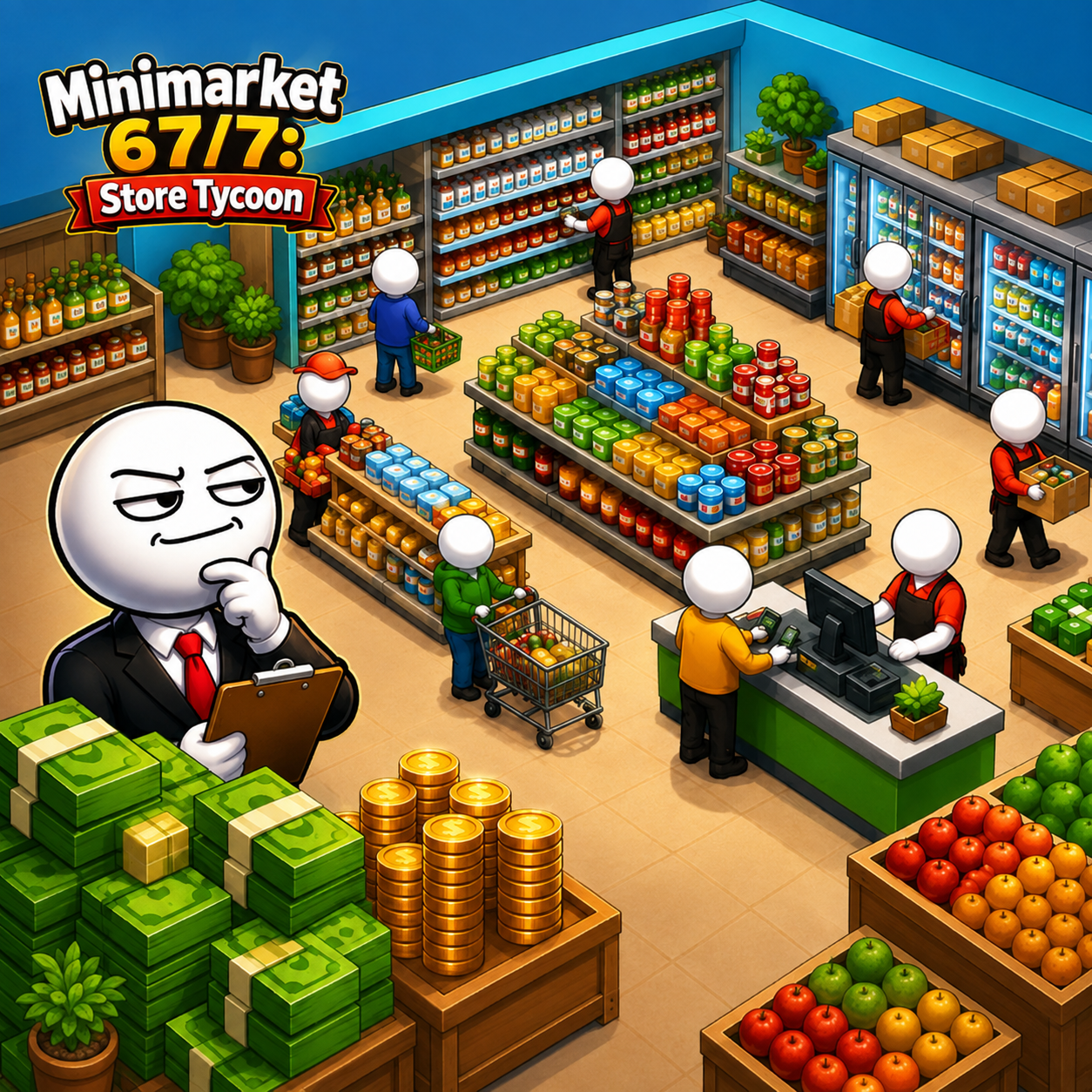
A Small Shop Starting With Empty Shelves
Stocking, Serving, And Letting The System Run Itself
Gameplay revolves around keeping shelves stocked, serving customers directly, and making continuous improvements to maintain high satisfaction levels. Players first need to manually retrieve and carry things to the counter, but operations are automated to eliminate repeated chores. Profits from sales are reinvested to expand the store, unlock growth opportunities, and boost service capacity. Every equipment upgrade or process improvement yields immediate results, such as shorter wait times and a noticeable rise in revenue. The transition from manual labor to a largely self-operating system creates a natural and satisfying sense of progression. Players can relax and watch the flow of customers without needing constant, high-intensity intervention.
Staff And Equipment Elevate The Store Together
Hiring and upgrading staff are crucial, as they help share the workload and maintain service quality. Upgraded equipment accelerates stocking, ensures smoother checkout operations, and improves overall store efficiency. Players learn to balance resources between hiring personnel and investing in machinery to achieve optimal performance. Upgraded staff handle tasks more effectively, while new equipment significantly boosts service speed. This combination allows the store to handle increasing customer volume without becoming overwhelmed. Watching the team and systems evolve together adds a layer of management depth that is subtle yet distinct. Recruit and upgrade staff to increase simultaneous service capacity.
- Improve equipment to reduce the processing time per customer.
- Add a wider variety of products to meet diverse customer needs.
- Expand the store layout to accommodate additional shelves and service areas.
Master The Controls
- On mobile devices, an on-screen joystick allows for intuitive character movement.
- On PC, players can use the WASD or arrow keys to navigate the store.
Master Different Stores